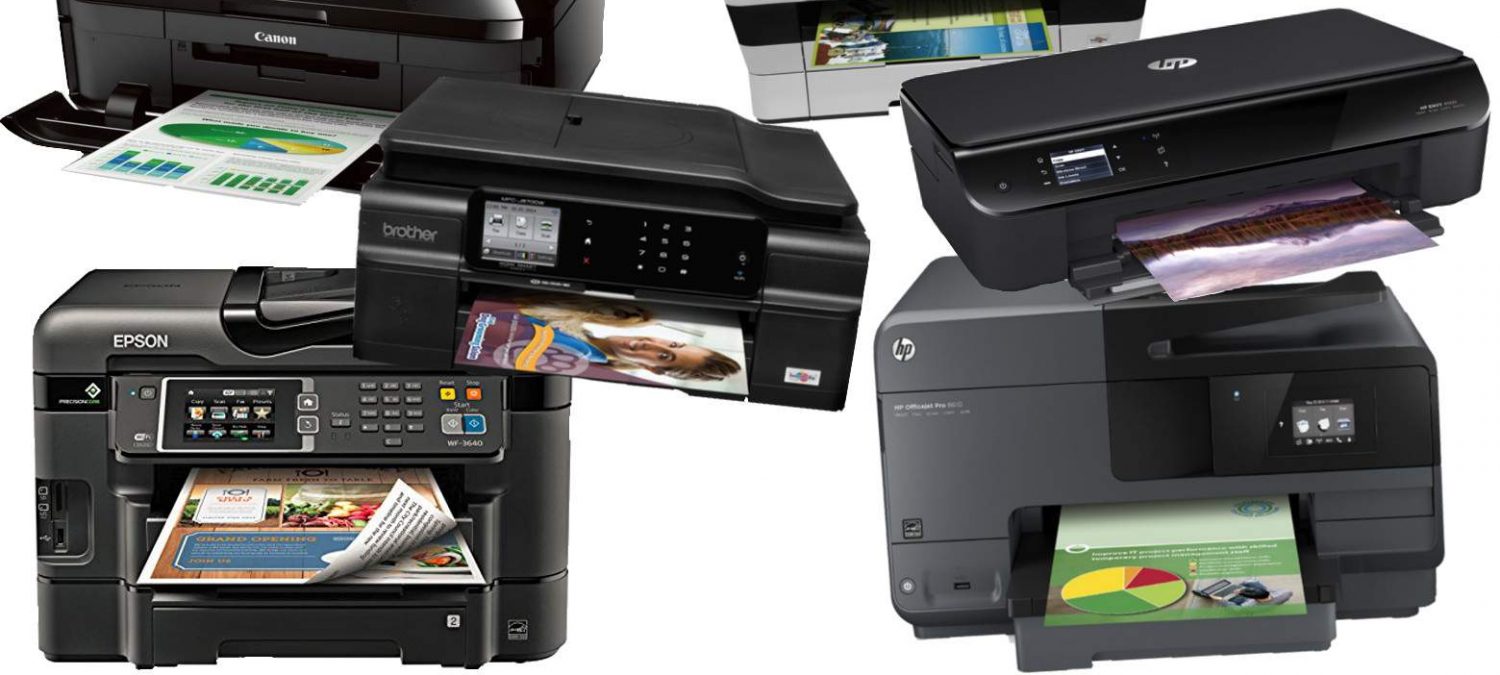
In today’s tech-driven world, we’re constantly faced with the dilemma: should we repair a device when it starts showing issues, or is it time to upgrade? From smartphones to laptops and printers, technology has a significant impact on both personal productivity and budget. Deciding between repairing and upgrading a device requires weighing a variety of factors, from cost and functionality to sustainability and the lifespan of your tech. Here’s a comprehensive guide on when to repair, when to upgrade, what to look for, and who to consult.
1. Assess the Current Device’s Condition
The first step is a clear-eyed assessment of your device. Here are key things to consider:
- Age of the Device: Generally, the older a device is, the more wear and tear it endures, and the less support it receives from manufacturers (software updates, security patches, etc.).
- Frequency of Issues: A device that has frequent breakdowns or issues, such as a printer with regular paper jams or a laptop that consistently overheats, may be indicating that it’s reaching the end of its useful life.
- Cost of Repair vs. Value: When repair costs approach or exceed half of the device’s current value, upgrading often becomes the better choice.
For example, replacing a cracked laptop screen might cost $100-$200, but if the laptop itself is worth only $300, upgrading could be a wiser investment.
2. Compare Repair Costs with Upgrade Costs
When deciding between repair and upgrade, here’s how to analyze costs effectively:
- Minor Repairs vs. Major Overhauls: Minor repairs (such as replacing a printer cartridge or repairing a laptop fan) are usually worth the investment. However, for major repairs—like replacing a smartphone’s motherboard or a laptop’s graphics card—the costs can soar and might not be worth it.
- Hidden Costs of Upgrades: While upgrading often comes with benefits, it’s important to calculate hidden costs. Newer devices often have accessories or software that can be pricey. Additionally, migrating data and adjusting to new interfaces or operating systems can be time-consuming.
3. When to Consider Repairing
Sometimes, repairs are more sensible, especially when the issues are isolated or if the device is relatively new. Here are some situations where repairs might make more sense:
- Still Under Warranty or Insurance: If the device is under warranty or covered by insurance, repair costs are often reduced or eliminated, making repair the obvious choice.
- Environmentally Conscious Choice: Repairing rather than replacing can reduce electronic waste, an environmental benefit worth considering.
- Device Uniqueness or Personalization: If you’ve customized your device (like a PC build) or rely on specific features that newer models lack, repairs could preserve what you love most about it.
4. When to Consider Upgrading
Upgrading often provides more than just a functional boost. Newer devices usually come with enhanced capabilities, security, and support, which may make upgrading worth the cost. Here are a few signs that upgrading could be the better option:
- Performance Limitations: If your device can no longer run essential software or is slowing down productivity, upgrading might be essential. For example, an old computer with a full hard drive and limited RAM might hinder you from completing tasks efficiently.
- Discontinued Support: Devices no longer supported by the manufacturer are security risks, especially for businesses that handle sensitive data.
- New Features and Technological Advancements: Upgrading can give you access to new technologies and features, like high-resolution displays, better graphics, or enhanced connectivity. For example, upgrading from an inkjet to a laser printer can save on ink costs if you print large volumes.
5. Who to Talk to for a Professional Opinion
If you’re unsure about the best option, consider consulting a professional who specializes in your device type. Here’s where to start:
- Certified Repair Technicians: For specific devices (like Apple products, printers, or high-end laptops), certified technicians can provide accurate repair estimates and help identify whether a repair is worthwhile.
- Retailer or Manufacturer Support: Sometimes the manufacturer’s support team can offer guidance, especially if the device is still under warranty. Many brands also have trade-in programs, which allow you to apply your old device’s value toward an upgrade.
- Local Repair Shops: Local shops can be more affordable than authorized dealers, though you’ll want to check reviews and ensure quality parts are used.
- Online Communities: Tech communities and forums like Reddit, or even the customer support section of your manufacturer’s website, can provide helpful insights from other users who faced similar issues.
6. Signs It’s Time to Upgrade: A Quick Checklist
If you’re on the fence about an upgrade, here’s a quick checklist to guide your decision:
- Device is 4-5+ years old.
- Frequent or recurring issues are impacting productivity.
- Repair costs are 50% or more of the replacement cost.
- Performance no longer meets your needs (e.g., inability to run necessary software).
- Manufacturer support or software updates have been discontinued.
If two or more of these apply, it may be time to start browsing for a new device.
7. Making the Sustainable Choice
Environmental factors are also worth considering in today’s world. Many repair shops offer recycling programs, and some tech companies are making strides in eco-friendly materials and processes. Look into whether a device upgrade is part of a sustainable program or if the components from your old device can be recycled responsibly.
In Summary
When it comes to repairing or upgrading, the best choice ultimately depends on the age, condition, and importance of the device to your daily routine. Minor repairs can extend the life of your device affordably, while upgrades might boost productivity and save time in the long run. Don’t hesitate to seek expert advice if you’re undecided—the right guidance can save you both money and stress in making a well-informed decision.